
Want to kirkify photos and join the viral meme trend? You're in the right place. This guide shows you exactly how to kirkify any photo in seconds using our free AI tool.
Whether you've seen kirkified photos on TikTok or X and want to create your own, we'll cover everything from the basics to pro tips for the best results.
What is Photo Kirkification?
Photo kirkification is the process of using AI to swap Charlie Kirk's distinctive facial features onto any face in your photo. The result is a "kirkified photo" - instantly recognizable as part of the viral meme format that exploded in late 2025.
When you kirkify photos, you're not just doing a face swap. You're participating in a cultural phenomenon that combines AI technology with internet humor. Learn more about what kirkify means and where the trend started.
How to Kirkify Photos - Step by Step
Ready to kirkify your first photo? Here's exactly how to do it:
Step 1: Choose Your Photo
Pick a photo with a clearly visible face. The best photos for kirkification have:
- A face looking toward the camera
- Good lighting (natural light works great)
- No obstructions covering the face
Don't worry about perfect photos - our AI handles various angles and lighting conditions.
Step 2: Upload to the Generator
Go to the Kirkify Generator and drag your photo into the upload area. We support PNG, JPG, and WEBP formats.
No software to download. Sign in with Google, then upload directly in your browser.
Step 3: Click Kirkify
Hit the "Kirkify It!" button and wait a few seconds. Our AI will:
- Detect the face in your photo
- Map Charlie Kirk's features onto it
- Blend everything seamlessly
- Apply the signature kirkified style
Most photos process in under 30 seconds.
Step 4: Download and Share
Once your kirkified photo is ready, download it instantly. The image is yours to share on TikTok, X, Instagram, or anywhere else.
You get 1 free kirkified photo every day with a free account.
Best Photos for Kirkification
Not all photos kirkify equally well. Here's what works best:
Ideal Photo Characteristics
- Clear face visibility - The face should be the main focus
- Front-facing angle - Looking at the camera gives best results
- Good lighting - Avoid heavy shadows on the face
- Reasonable resolution - At least 400x400 pixels recommended
What to Avoid
- Sunglasses or masks covering the face
- Extreme side angles where features aren't visible
- Very dark or overexposed photos
- Multiple faces (kirkify works on one face at a time)
Pro Tips
- Selfies work great - Good lighting, clear face, perfect for kirkification
- Portrait photos - Professional headshots produce clean results
- Candid shots - Can be hilarious when kirkified
- Group photos - Work for the most prominent face
Kirkify Photos Examples
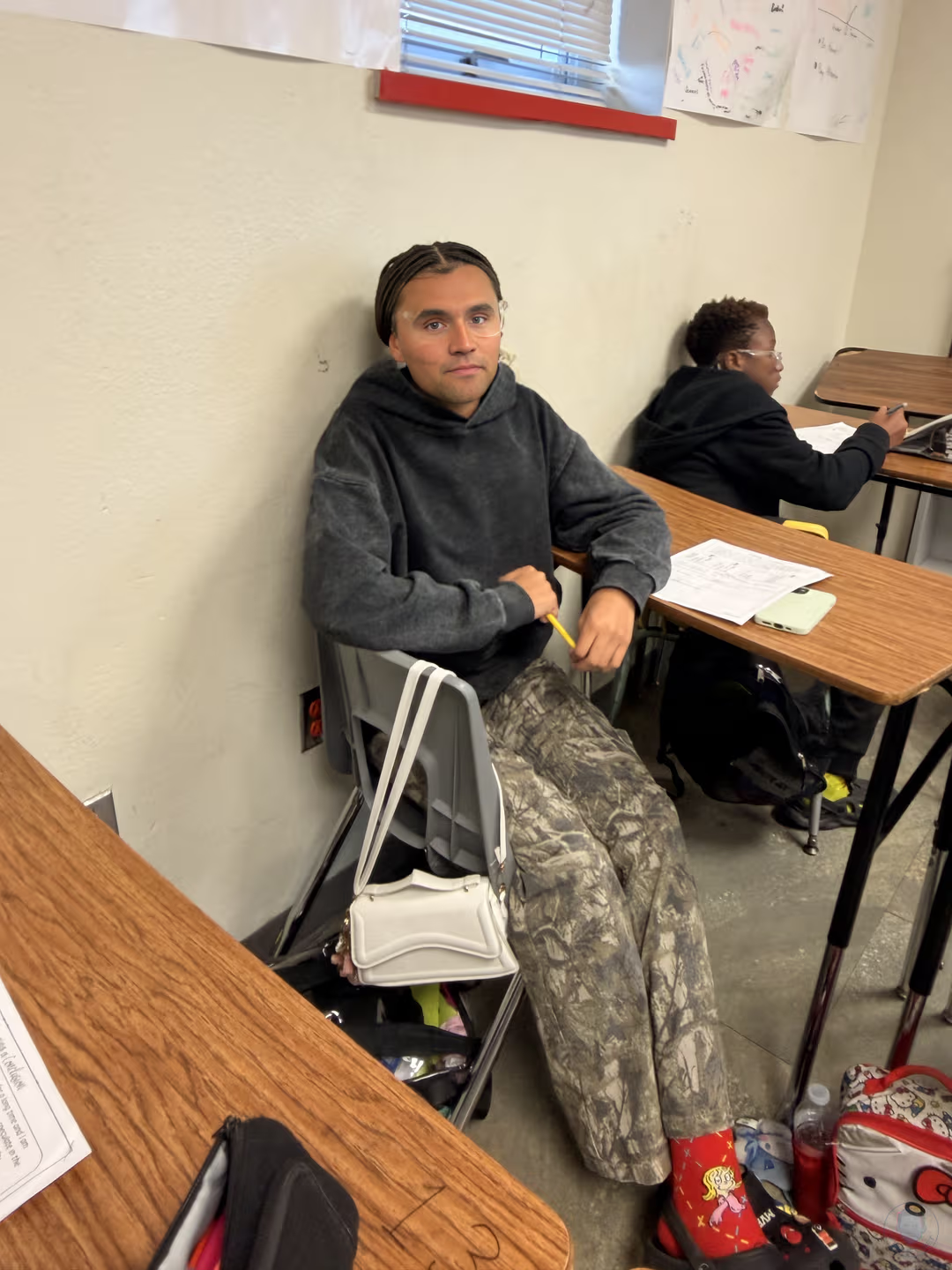
Here's what kirkified photos look like in practice:

Clean portrait photo with perfect kirkification - notice how the AI blends the features naturally.
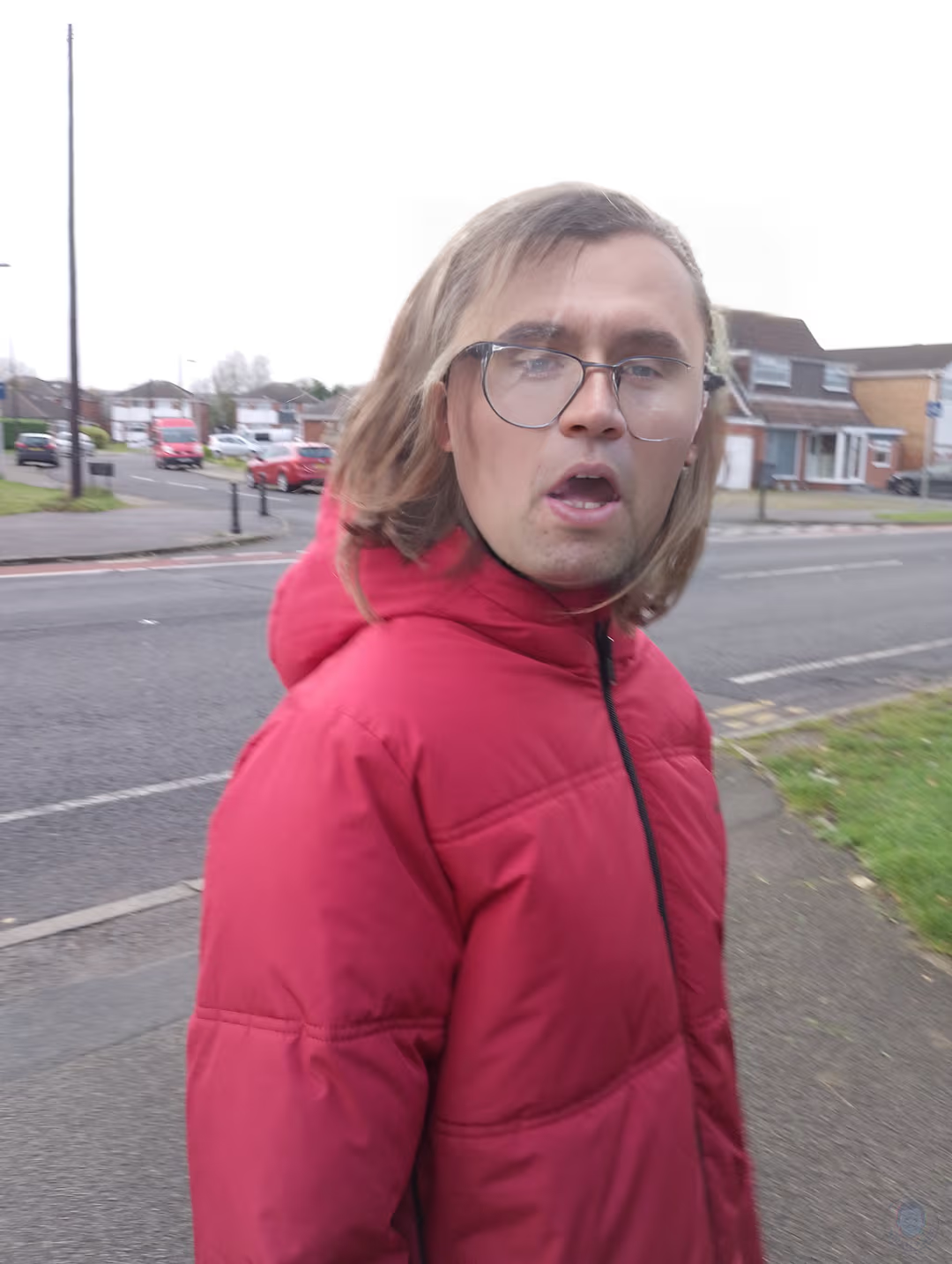
Casual photos work just as well. The lighting and angle don't need to be perfect.
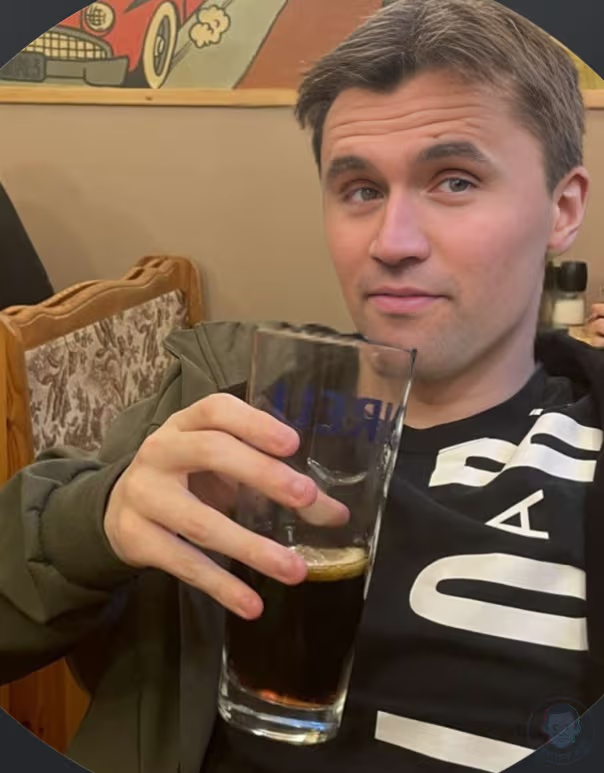
Even candid moments can be kirkified for hilarious results.
Want to see more? Check out our full gallery with dozens of kirkified photo examples.
Kirkify Photos FAQ
Can I kirkify group photos?
Yes, but the AI will kirkify the most prominent face in the image. For group photos with multiple faces, you may need to crop to focus on one person, or run multiple kirkifications.
What photo formats work with kirkify?
We support PNG, JPG, and WEBP images. Most photos from your phone or camera will work without any conversion needed.
Is it free to kirkify photos?
Yes! You get 1 free photo kirkification every day with a free account, no credit card needed. Free images carry a small watermark; credits remove it. For more, check our pricing plans.
Can I kirkify photos on my phone?
Absolutely. Our kirkify web app works on iPhone, Android, tablets, and desktop browsers. No app download needed - just visit the site and start kirkifying.
How do I get better quality kirkified photos?
Free kirkifications produce standard quality (800px). For HD quality (1920px) kirkified photos, upgrade to a paid plan starting at $4.99.
Are kirkified photos safe to post?
Yes, when used for satire and entertainment. All kirkified photos include an AI disclosure label. Always use kirkification responsibly and respect others' privacy.
Start Kirkifying Your Photos
You now know everything needed to kirkify photos like a pro. The process is simple:
- Choose a photo with a clear face
- Upload to the Kirkify Generator
- Click Kirkify and wait a few seconds
- Download and share your creation
No technical skills required. No software to install. Just instant photo kirkification.
Kirkify Your First Photo Free →
Related guides:
- What is Kirkify? - The meaning behind the meme
- How to Kirkify Images - Detailed step-by-step tutorial
Related articles:
- Best Kirkified Memes of 2025 - Viral examples gallery
- What is Kirkification? - The AI trend explained
- Charlie Kirk Face Swap Meme - Origin story